Technical Preparation
- Test Your Hardware
Ensure your computer, camera, and microphone work properly. Use the same device you plan to use for the interview.
- Check Your Internet Connection
Test your internet speed and consider using a wired connection for stability.
- Familiarize Yourself with the Platform
Explore the video conferencing tool's features, including how to mute/unmute and turn your camera on/off.
- Adjust Video and Audio Settings
Position your camera at eye level, ensure proper lighting, and test your microphone.
- Run a Full Test Run
Conduct a mock interview with a friend using your setup.
- Minimize Background Noise and Distractions
Choose a quiet space and close unnecessary applications on your computer.
- Lighting is Key
Place light sources in front of you to avoid appearing as a silhouette.
- Prevent Connection Issues
Ask household members to limit their internet usage during your interview.
- Backup Plans
Have a phone number ready in case of technical difficulties.

Professional Appearance
Dress professionally for your video interview, as you would for an in-person meeting. Choose neutral or subtle colors to avoid distracting from your message. Fully dress in professional attire to boost your confidence and mindset.
If you wear glasses, adjust your lighting to minimize glare. Simple accessories and neat hair help maintain focus on your personality and qualifications.
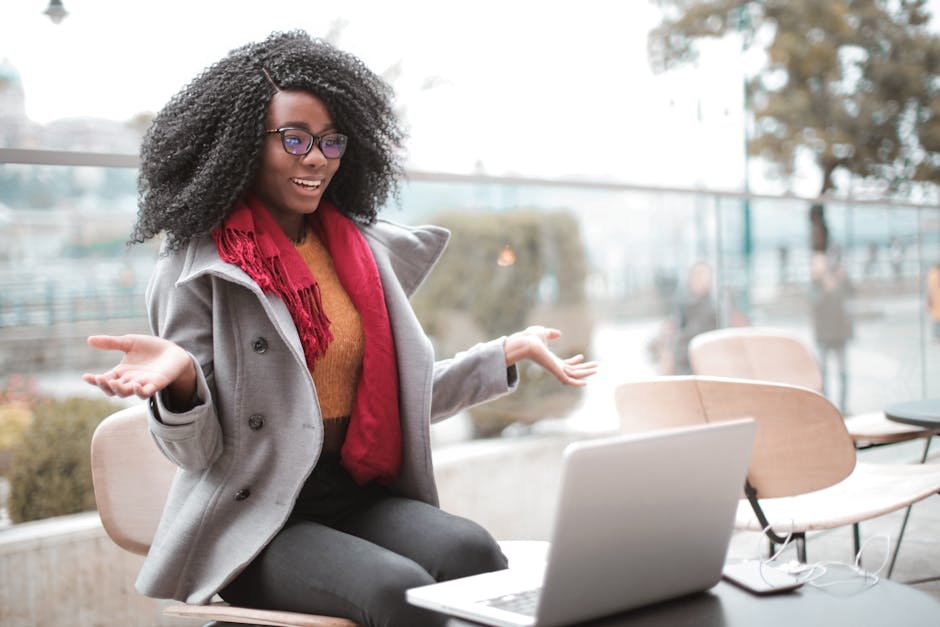
Approach the camera with a smile and maintain good posture to project confidence and engagement. Lean in slightly as you talk to show interest in the conversation.

Environment Setup
Choose a quiet, well-lit space with a neutral background. Position your light source in front of you, ideally using natural light or well-placed lamps. Remove any distracting elements from your backdrop.
"Your environment speaks volumes about your professionalism and attention to detail."
Perform a final check by examining the frame on your camera. Ensure your face is centered on the screen and the camera is at eye level. A thoughtfully chosen setup reflects your organizational skills and readiness for remote work.

Body Language and Eye Contact
- Look directly into the camera lens when responding to questions to create the impression of eye contact.
- Keep your body language open and welcoming by sitting up straight and leaning slightly forward.
- Use hand gestures naturally to emphasize points when speaking.
- Smile to convey warmth and friendliness.
- Nod occasionally to show you're listening and engaged in the conversation.
Mastering these elements of body language and eye contact helps present you as a focused, professional, and enthusiastic candidate ready for a remote role.
Practicing Responses
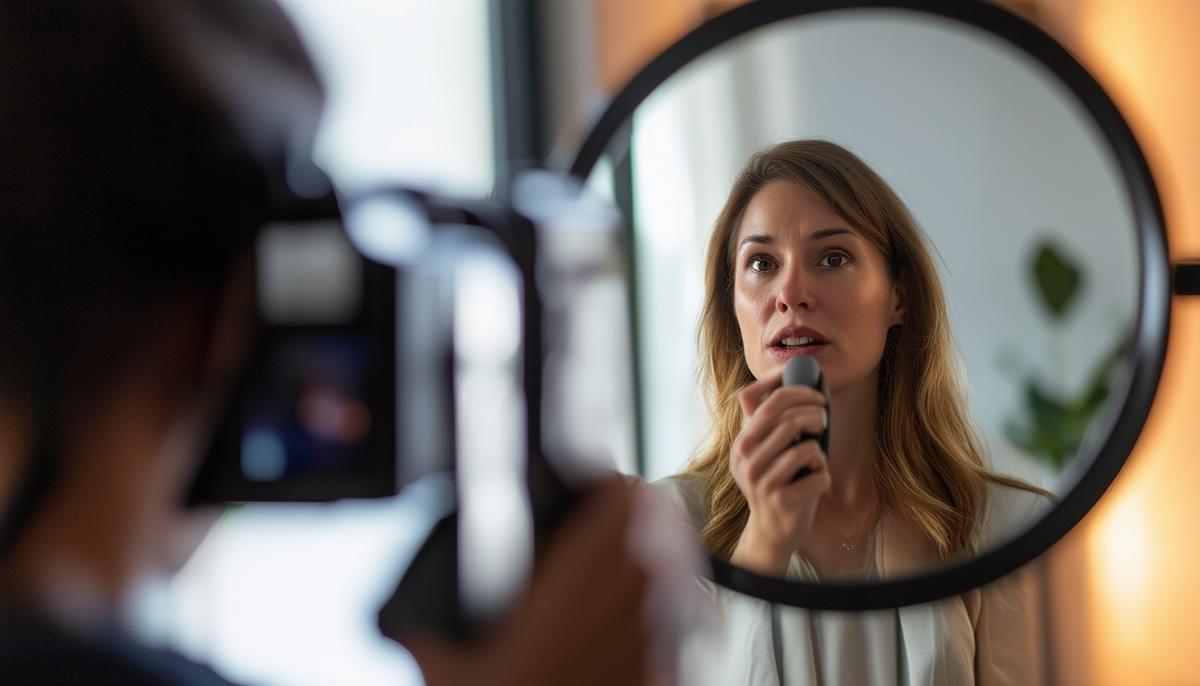
Record yourself answering potential interview questions using your actual setup. Review the recordings, paying attention to your body language and speech patterns. Practice with friends or family members and ask for honest feedback.
Avoid memorizing every word of your responses. Instead, focus on key points you want to convey for each question and speak naturally. This approach helps maintain a conversational tone while showcasing your genuine interest and professionalism.
Incorporate gestures and facial expressions naturally as you talk. By balancing structured preparation with relaxed spontaneity, you're more likely to come across as a well-prepared yet personable candidate.
Interview Etiquette
Inform household members about your interview to avoid interruptions. Start the video call software a few minutes early to handle any last-minute technical issues.
| Do | Don't |
|---|---|
| Maintain professionalism throughout | Get distracted by notifications |
| Stay aware of your surroundings | Forget to mute when necessary |
| Keep a positive tone | Interrupt the interviewer |
Be courteous and professional in your speech, using polite language and showing genuine interest in the interviewer's questions and comments.
At the close of your interview, thank the interviewer sincerely for their time and express your enthusiasm about the possibility of joining the team. Consider sending a follow-up thank-you email to reinforce your interest.

- Blacksmith N, Poeppelman T. Virtual workplace communication: The importance of video interviews in the hiring process. Ind Organ Psychol. 2014;7(1):41-44.
- Huffcutt AI, Van Iddekinge CH, Roth PL. Understanding applicant behavior in employment interviews: A theoretical model of interviewee performance. Hum Resour Manag Rev. 2011;21(4):353-367.
- Barrick MR, Swider BW, Stewart GL. Initial evaluations in the interview: Relationships with subsequent interviewer evaluations and employment offers. J Appl Psychol. 2010;95(6):1163-1172.