Choosing the Right Desk
Consider Space and Needs
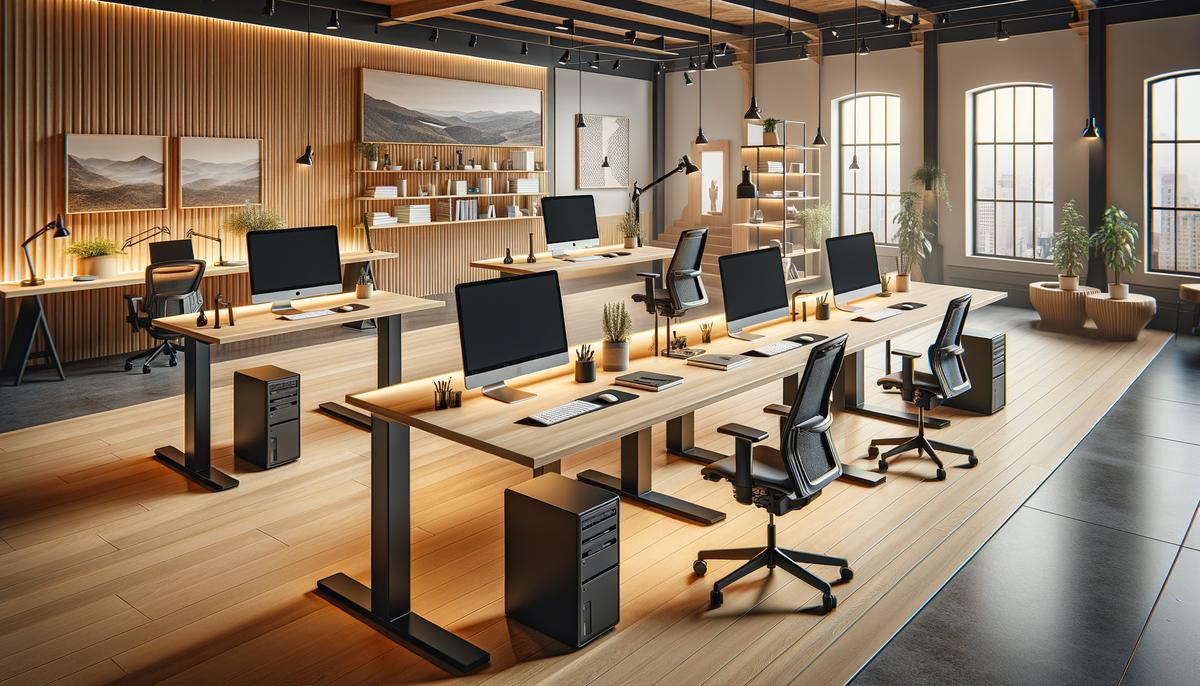
Measure your space. Small corners may benefit from a compact desk or wall-mounted option, while larger rooms can accommodate full-sized workstations or L-shaped desks.
Desk Types and Features
- Standard Desks: Ideal for ample surface area and often come with storage options.
- L-Shaped Desks: Utilize corners efficiently, offering extensive surface area and split work zones.
- Standing Desks: Promote better posture with adjustable height.
- Compact Desks: Best for small spaces, often with fold-away designs or minimal footprints.
- Multi-Functional Desks: Integrate storage with workspace, reducing clutter.
Budget Considerations
| Price Range | Features | Examples |
|---|---|---|
| Under $100 | Simple, functional options | CubiCubi writing desk, Yoheetech ergonomic desk |
| $100 – $300 | More features | Hbada ergonomic chair, Sweetcrispy computer desk |
| $300 – $600 | Advanced features | Flexispot E7 standing desk |
Materials and Build Quality
- Wood: Durable with a classic aesthetic.
- MDF/Particleboard: Budget-friendly and lighter.
- Metal Frames: Strong support, often paired with wooden or glass surfaces.
- Glass: Sleek and modern, requires careful maintenance.
Setup and Assembly
Easy Assembly: Often require only basic tools (e.g., Furinno Computer Desk).
Complex Assembly: More elaborate setups might need extra time and help.
Additional Accessories
- Cable Management: Look for built-in cable holes or invest in organizers.
- Storage Solutions: Consider filing cabinets, floating shelves, or desk organizers.
- Ergonomic Extras: Wrist rests, footrests, and monitor stands for comfort.
Practical Tips
- Monitor Placement: Ensure your monitor is at eye level to prevent neck strain.
- Keyboard Tray: Frees up desktop space and provides a more ergonomic typing position.
- Surface Space: Keep essential tools within easy reach, store less-used items in drawers or shelves.
Selecting a Comfortable Chair
Lumbar Support and Ergonomics
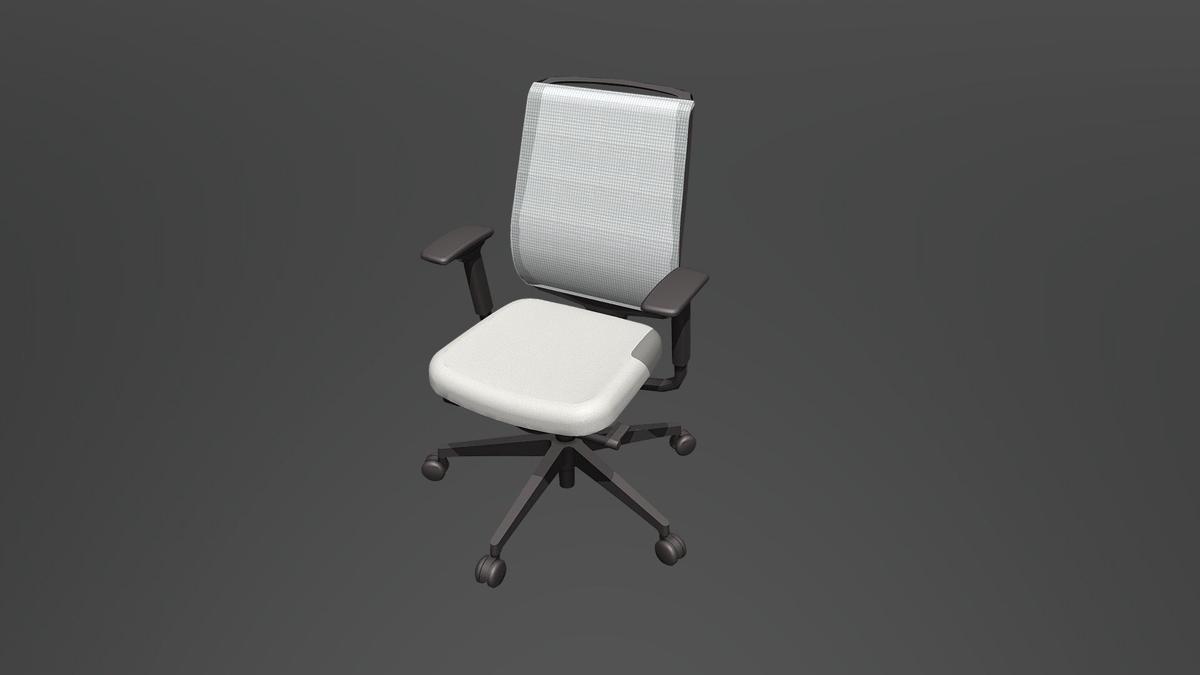
Choose a chair with adjustable lumbar support to fit the natural curve of your spine. Ergonomic designs often feature adjustable seat depth, armrests, and tilt mechanisms.
Adjustable Features
- Height Adjustment: Ensure your feet rest flat on the floor or a footrest.
- Seat Depth & Angle: Support your thighs fully and prevent hip fatigue.
Padding and Materials
Padded Seating: Look for thick, high-density foam padding for comfort.
Breathable Materials: Mesh chairs offer better ventilation, while leather provides a classic look.
Budget Considerations
| Price Range | Features | Examples |
|---|---|---|
| Under $100 | Basic ergonomic features | Yaheetech Ergonomic Desk Chair |
| $100 – $300 | Enhanced features and better materials | Hbada Office Chair |
| $300 – $600 | Top-notch build quality and extensive adjustability | Duramont Ergonomic Adjustable Office Chair |
Assembly and Maintenance
Follow assembly instructions carefully. Keep your chair clean and periodically check adjustments to ensure longevity.
A well-chosen chair can significantly enhance your work-from-home experience, keeping you comfortable and productive throughout the day.
Lighting Your Workspace
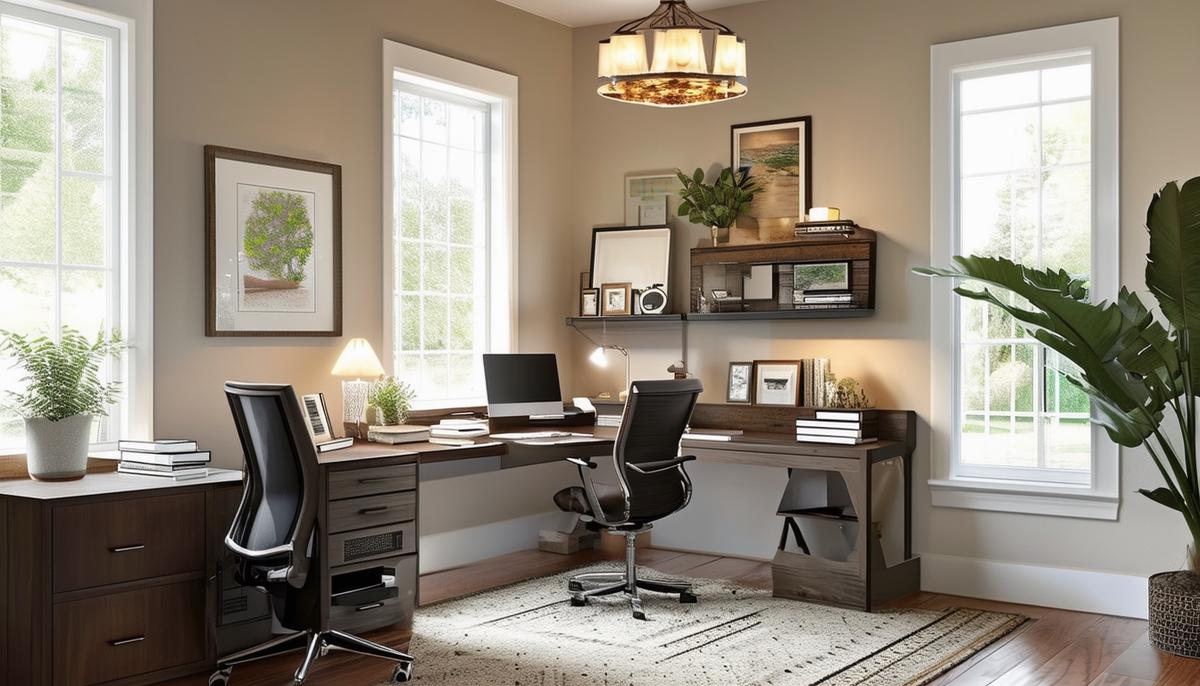
Natural light is ideal for boosting mood and energy levels. Position your desk near a window if possible to reduce the need for artificial lighting during the day.
For spaces without natural light or for late hours, combine task lighting and ambient lighting:
- Task Lighting: Use adjustable desk lamps to focus light on your workspace. LED lamps with dimmable settings and color temperature adjustments can reduce eye strain.
- Ambient Lighting: Softer, diffuse lighting for overall room illumination. Use ceiling lights or floor lamps with LED bulbs for energy efficiency and color temperature options.
- Avoid Harsh Overhead Lights: Consider installing a ceiling fixture with a diffuser or using indirect lighting methods to reduce glare and shadows.
Additional Lighting Tips:
- Layer Your Lighting: Combine ambient, task, and accent lighting for a versatile space.
- Position Lights Thoughtfully: Place task lights to the side or behind your monitor to prevent screen glare.
- Color Temperature: Cooler temperatures (around 5000K) for concentration, warmer temperatures (around 2700K) for a cozy ambiance.
- Consider Smart Lighting: Bulbs and lamps controllable via apps or voice commands add flexibility.
- Eye Care: Follow the 20-20-20 rule: every 20 minutes, look at something 20 feet away for at least 20 seconds.1
Optimizing your home office lighting can significantly improve your workday experience, supporting productivity and well-being.
Organizing with Shelves and Cabinets
Efficient storage is key to an organized workspace. Shelves, cabinets, and filing systems can transform your home office from cluttered to productive.
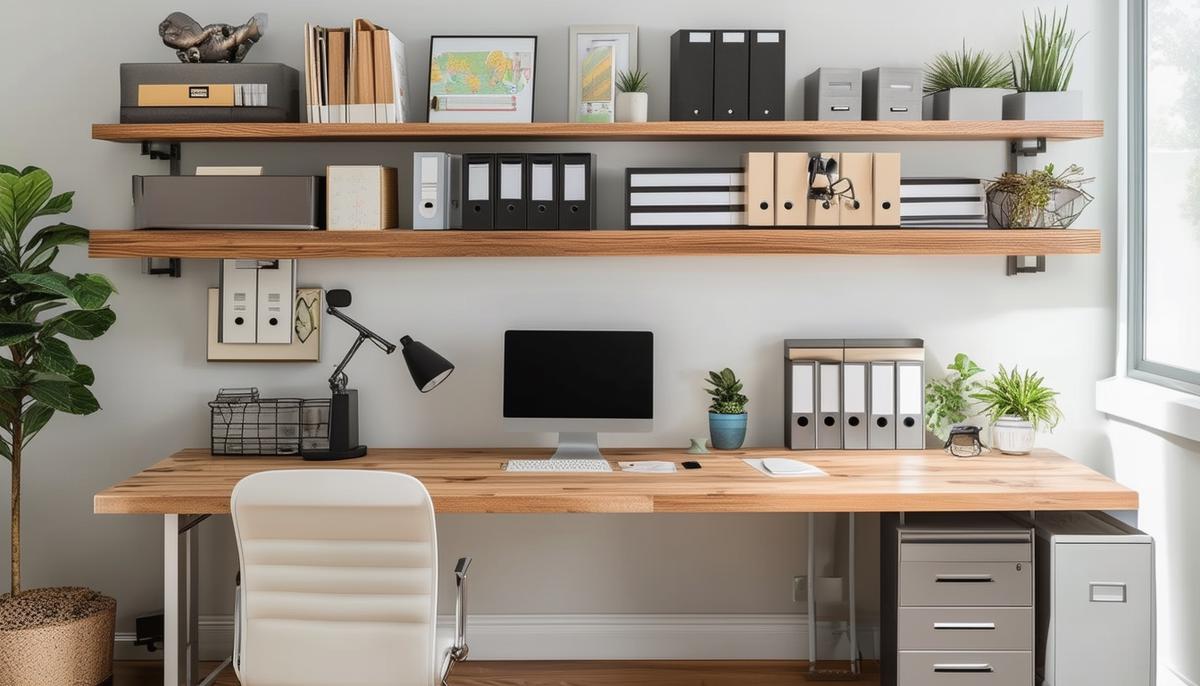
Wall-mounted shelves make great use of vertical space, freeing up your desk and floor. Ikea offers budget-friendly floating shelves in various sizes. For flexibility, consider adjustable shelving units that allow you to move shelves as needed.
Pegboards are another smart solution for saving space and keeping your workspace tidy. By adding hooks, bins, and shelves, pegboards offer customizable storage for tools and office supplies within easy reach.
Rolling carts are versatile and perfect for storing printers, paper, and other supplies. They can be easily moved around to suit your needs. Office Depot offers affordable multi-tier rolling carts.
Under-desk storage keeps essential items close while maintaining a clean workspace. Desk organizers with drawers can hold smaller items, while larger under-desk cabinets can store documents and tech accessories.
Labelled bins and drawers ensure everything has its place. Clear plastic bins or opaque storage boxes work well for storing supplies and documents. Label each bin clearly to make finding items quick and easy.
To optimize storage further, consider these techniques:
- Use drawer organizers to keep small items tidy.
- Digitize documents to reduce physical clutter.
- Implement a color-coded filing system for physical documents.
- Choose dual-purpose furniture with hidden storage.
- Schedule regular tidying sessions to prevent clutter build-up.
By making the most of shelves, cabinets, and filing systems, you create an efficient and organized home office that fosters productivity and reduces stress.
Personalizing Your Space
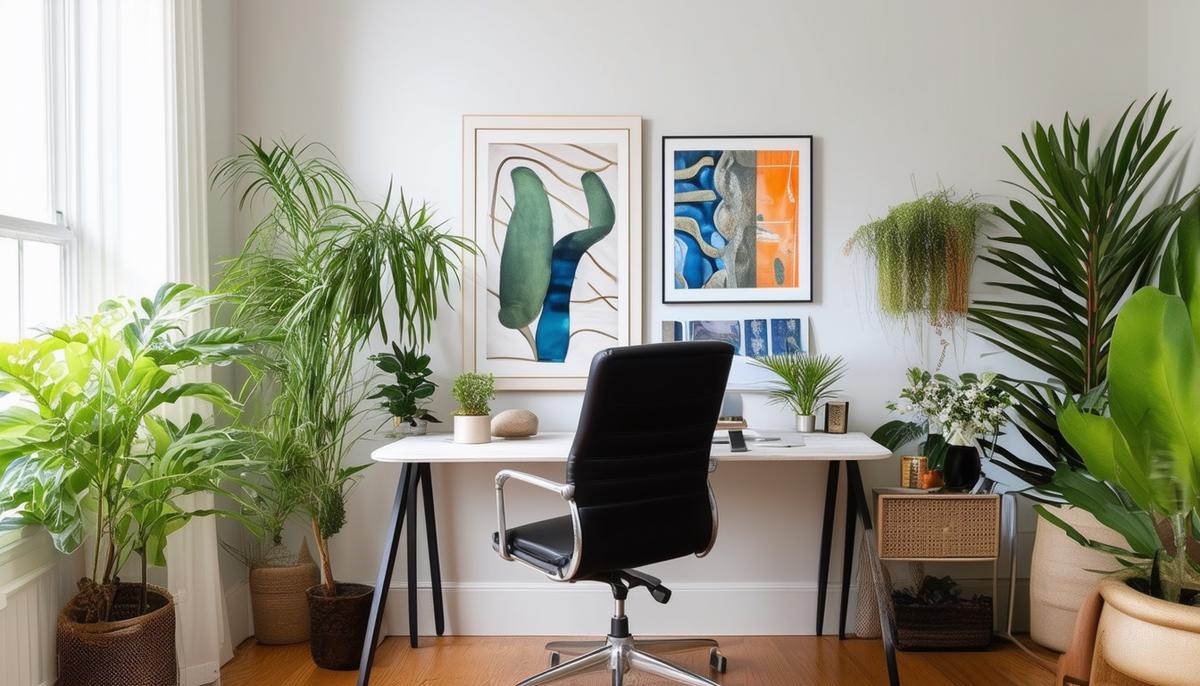
Creating a workspace that reflects your personality and inspires you is key to maintaining a positive work environment. Here are some ways to personalize your home office:
- Add Plants: Greenery can breathe life into your space, purify the air, and boost your mood. Choose low-maintenance options like succulents or cacti if you're worried about upkeep.
- Hang Artwork: Display inspiring pieces that make your workspace uniquely yours. Art can also serve as a great backdrop for video calls.
- Motivational Quotes: Surround yourself with positive affirmations to stay focused and uplifted during challenging workdays.
- Comfortable Rug: A soft rug can make your office feel cozier and more inviting.
- Cushions and Decorative Items: Add comfort with cushions and personal touches like unique stationery or a favorite mug.
- Personal Touches: Display a few favorite books, a cherished trinket, or a small family photo to add character to your space.
- Create Zones: If space allows, designate areas for different activities, like a reading nook or brainstorming corner.
- Lighting: Don't overlook the impact of good lighting. A stylish lamp or string lights can add warmth and reduce eye strain.
By incorporating these elements, you create a workspace that is both functional and a reflection of who you are, boosting your morale and productivity.
Reducing Technological Clutter
Reducing technological clutter enhances both the functionality and aesthetics of your home office. Here are some effective strategies:
- Wireless Devices: Opt for wireless keyboards, mice, and printers to minimize cable clutter. The Redragon K552 mechanical keyboard and Anker vertical mouse are cost-effective choices that maintain high performance.
- Cable Management: Use grommets to route cables through your desk neatly. Cable clips and under-desk organizers like those from JOTO can keep cords tidy and out of sight.
- Multi-Function Devices: Choose devices that serve multiple purposes, like the Canon PIXMA all-in-one printer series, to reduce the number of gadgets on your desk.
- Smart Power Strips: Centralize power management with smart power strips that offer features like surge protection and remote control via smartphone apps.
- Ergonomic Placement: Position monitors at eye level using monitor arms that also allow you to route cables through them. Mount shelves or install floating desks to house bulky accessories out of immediate sight.
- Regular Maintenance: Schedule routine checks to tidy cables, clean devices, and remove outdated gadgets.
By focusing on these solutions, you can transform your home office into an organized and productive environment, enhancing your overall work-from-home experience.
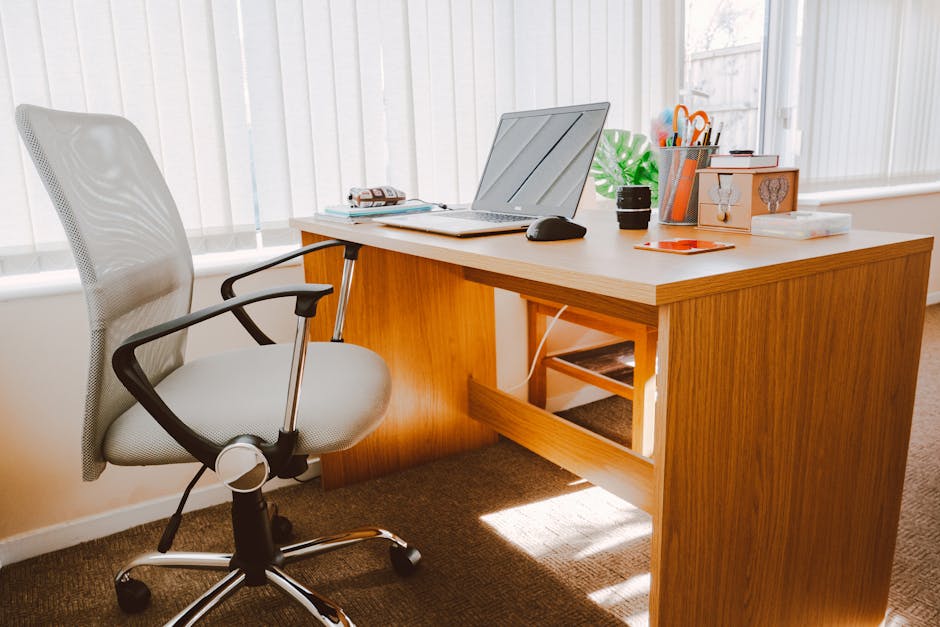
Prioritizing Essential Work Tools
Equipping your workspace with the right tools ensures you can perform at your best. Here are the essentials:
- Computer: Choose a reliable model that meets your job demands, whether it's a high-performance desktop for graphics work or a mid-range laptop for general office tasks.
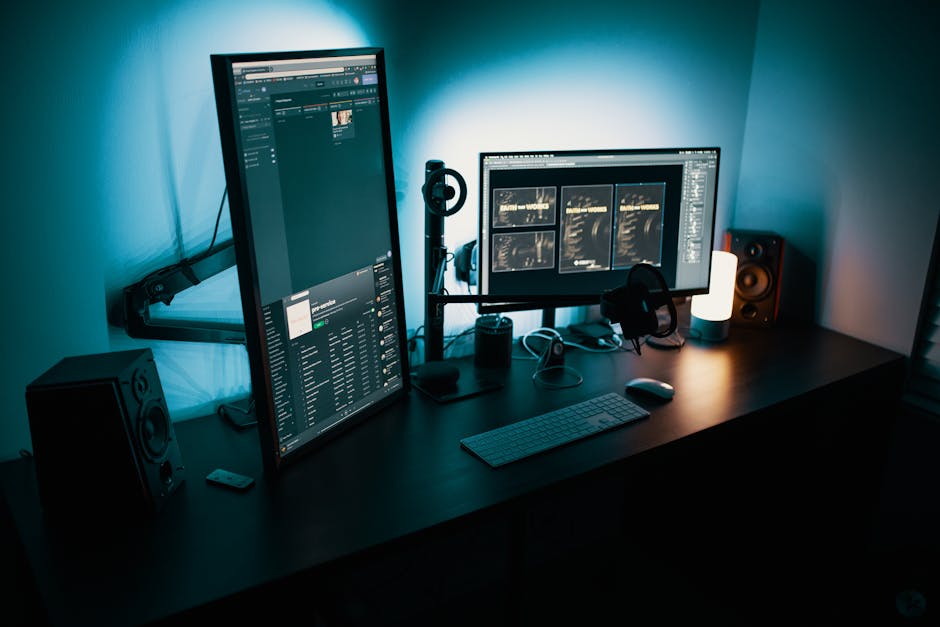
- Monitor: Consider dual monitors like the Philips 276E8VJSB 27" 4K UHD for improved multitasking. Adjustable stands or mounts can help maintain good ergonomics.
- Ergonomic Peripherals: Invest in a quality keyboard and mouse designed for comfort, like the Logitech K350 keyboard and Anker vertical mouse.
- Office Supplies: Keep essentials like notebooks, sticky notes, pens, and paper clips within reach. A well-stocked supply drawer saves time during busy moments.
- Planner: Try the Smart Planner Pro to help organize thoughts and tasks efficiently.
- Noise-Canceling Headphones: The Anker Soundcore Life Q20 can create a quiet work environment, especially in busy households.
- Communication Tools: Ensure you have a reliable webcam and microphone setup for professional virtual meetings. The Logitech BRIO Ultra HD Pro webcam and Audio-Technica AT2005USB microphone are solid choices.
- Desk Lamp: An adjustable LED lamp, like those from BenQ, can reduce eye strain during long work hours.
By thoughtfully selecting these essential tools, your home office will function seamlessly, providing an environment where efficiency and creativity can flourish.
"Your work environment should inspire you to create, not make you want to escape." – Unknown
Creating a Brainstorming or Reading Corner
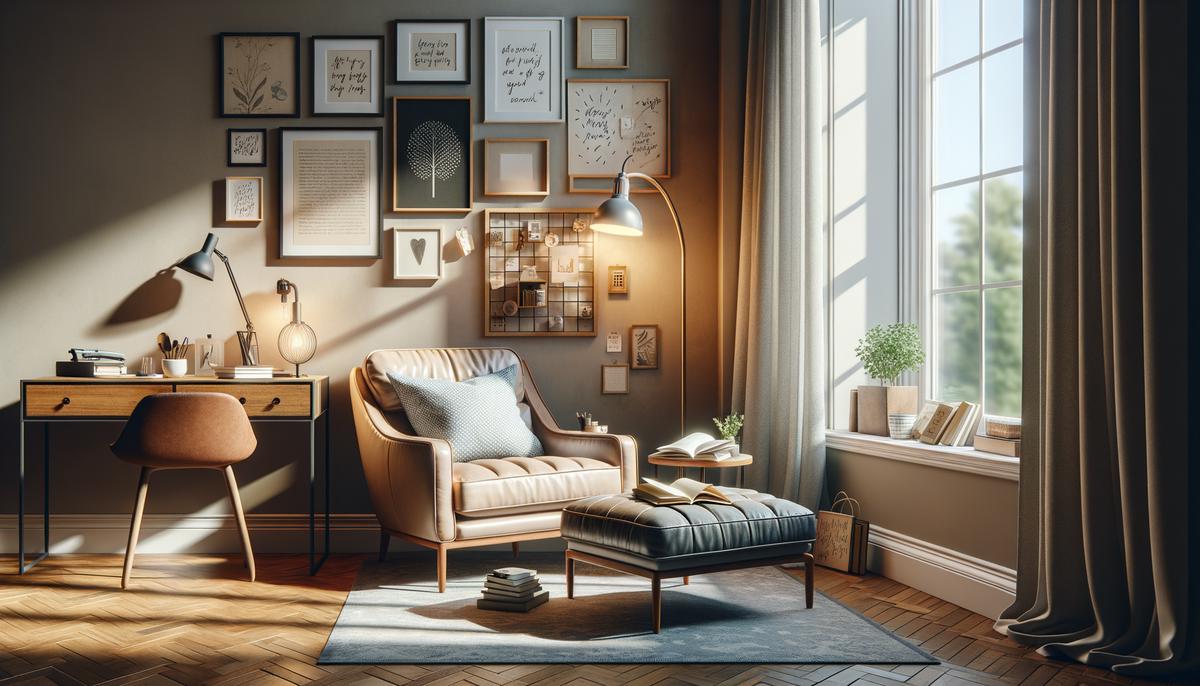
A dedicated brainstorming or reading corner in your home office can boost creativity and reduce stress. Choose a quiet, comfortable area, preferably near a window for natural light. If that's not possible, ensure sufficient lighting to keep the space inviting throughout the day.
Comfortable seating is essential. Whether it's an armchair, chaise lounge, or cushioned nook, the seating should invite relaxation while providing proper support. Add pillows for extra comfort and lumbar support if needed.
Soft lighting creates a peaceful atmosphere. A floor lamp with a dimmer switch or a table lamp with a warm bulb can provide gentle illumination. For reading, ensure the lighting is bright enough to avoid eye strain.
- Include a small side table for books, coffee, or a notebook
- Add a basket or small shelf to store additional reading materials or inspirational items
- Incorporate personal touches to make the corner inviting:
- A throw blanket
- Decorative pieces
- A favorite scented candle
This corner can serve multiple purposes: a reading nook, meditation spot, or a cozy place for breaks. Include elements that spark joy and relaxation, like plants or flowers. Consider acoustics too – a portable speaker or headphones allow you to enjoy calming music or white noise.
By creating this space, you're establishing an environment that supports mental well-being and fosters creativity, making your home office feel more complete and homely.
Optimizing Small Spaces
When space is limited, maximizing every inch of your home office is crucial. Here are some strategies to make the most of a small area:
- Use vertical space: Wall-mounted shelves and compact furniture can store books, supplies, and decorative items without occupying floor space. Floating shelves offer sleek designs in various sizes to fit any wall.
- Choose multifunctional furniture: Fold-up desks or wall-mounted drop leaf tables can be unfolded when needed and neatly stored away when not in use.
- Implement smart storage: Rolling carts with multiple tiers offer versatile, movable storage. Pegboards with customizable hooks and bins keep tools and supplies within reach but off your desk.
- Keep your work surface clutter-free: Store only essential items on your desk. Use labeled bins and drawer organizers to keep smaller items sorted and easily accessible.
By using vertical space, multifunctional furniture, and smart storage solutions, you can create a functional and comfortable home office even in the smallest of spaces.
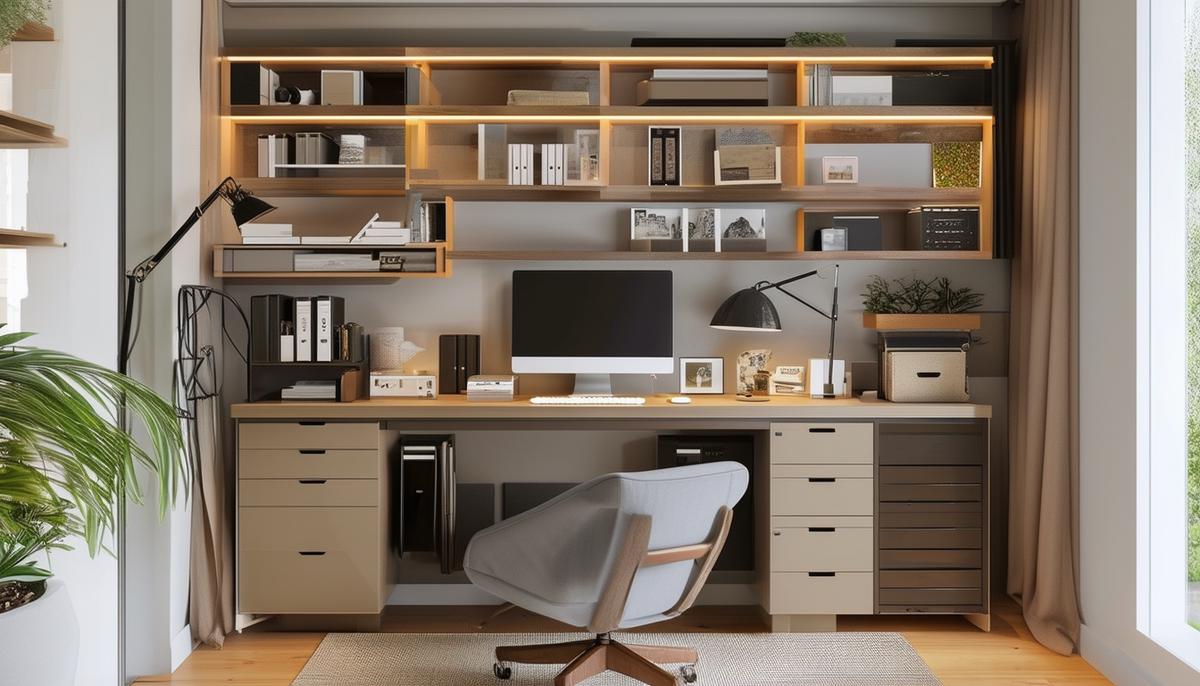
Setting Up a Budget-Friendly Office
Creating an affordable home office starts with using items you already have. Look around your home for underutilized furniture that could serve a new purpose. A dining table might become a desk, or an armchair could fit into your office setup.
Explore thrift stores and online marketplaces like Craigslist or Facebook Marketplace for affordable office essentials. You might find a vintage desk or an ergonomic chair at a fraction of the retail price. Always inspect items for wear before purchasing.
DIY solutions can further reduce expenses. Repurpose furniture creatively – a chest of drawers could become a filing cabinet, or an old bookshelf could store office supplies. Custom shelves made from wooden planks and brackets provide affordable additional storage.
Focus on fundamental pieces first:
- A desk that meets your size and durability needs
- A comfortable, supportive chair
- Adequate lighting (position your desk near a window if possible)
- Basic storage solutions
After establishing these essentials, gradually add accessories and upgrades as your budget allows. Personal touches like plants or artwork can enhance the comfort of your space over time.
"By starting with what you have, leveraging second-hand sources, and incorporating DIY elements, you can create a functional, personalized office space that supports your productivity without breaking the bank."
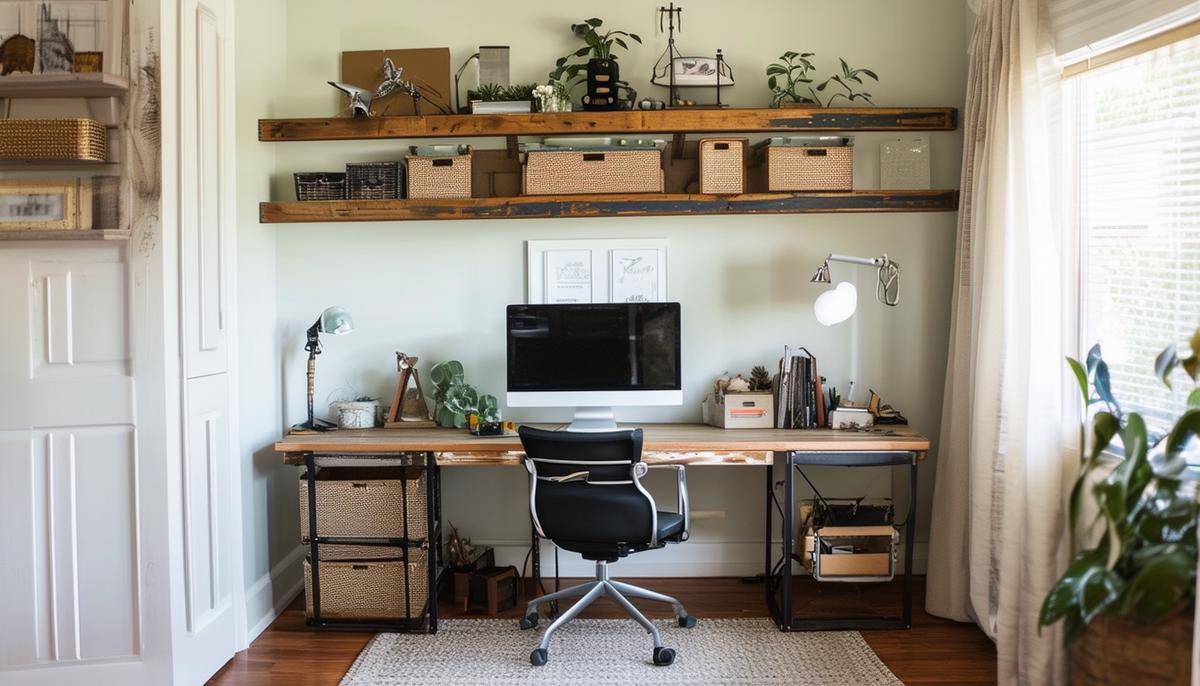
Having the right desk is key to a productive home office. Consider your space, budget, and specific needs to choose the perfect fit. Studies have shown that an ergonomically designed workspace can increase productivity by up to 25%1.