Creating a comfortable and efficient workspace can significantly impact your productivity and well-being. Whether you're working from home or in an office, the right setup can make all the difference.
Setting Up Your Desk
Ensure your desk comfortably accommodates your knees, feet, and thighs. Position your keyboard and mouse at elbow height to prevent shoulder and wrist strain.
Elevate your monitor to be at or slightly below eye level. Use books or a sturdy box to raise it if needed. Place the screen at least an arm's length away to avoid eye strain.
- Keep frequently used objects within easy reach
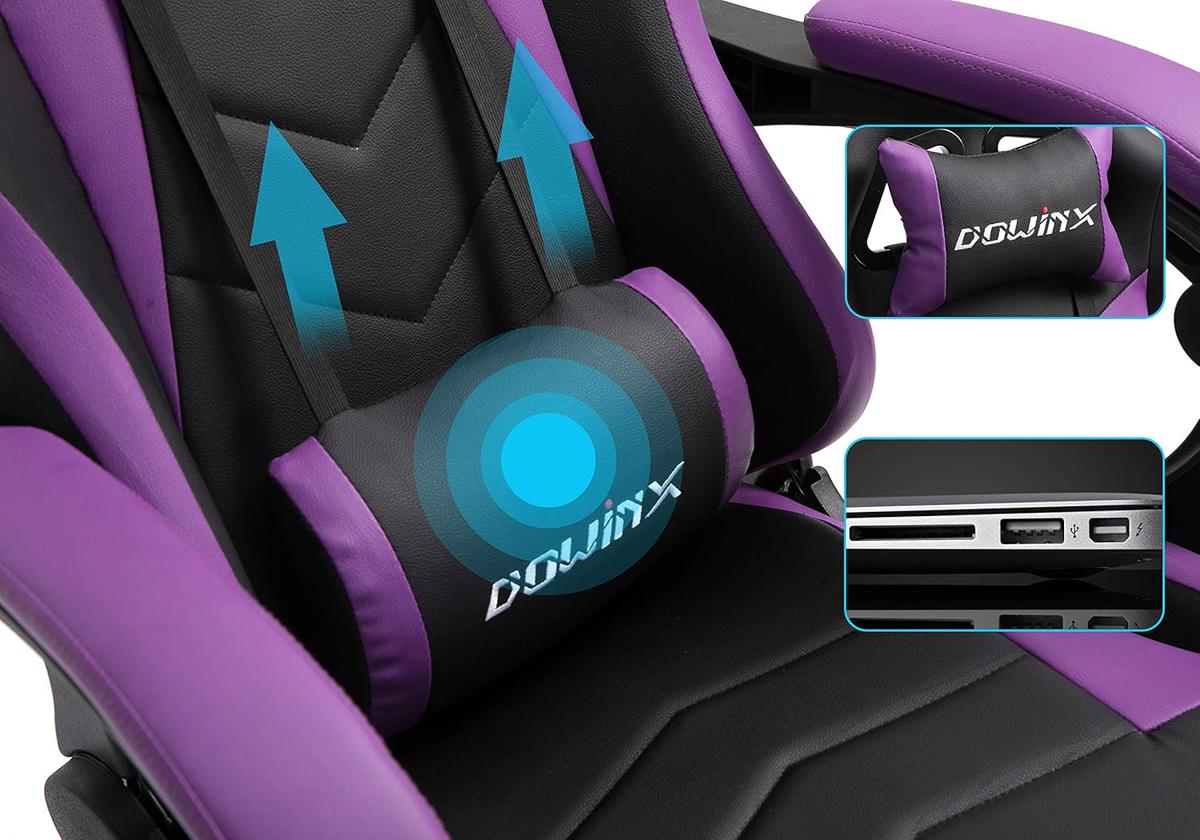
- Choose a chair with good lumbar support
- Keep your feet flat on the ground or use a footrest
- Use a document holder to protect your wrists
- Implement cable trays to reduce clutter
If working from home presents distractions, find a quiet area to minimize interruptions. Balance natural light with artificial lighting, ensuring it's indirect to prevent computer screen glare.
Take regular breaks. Stand, stretch, and rest your muscles every 20 to 30 minutes.
For laptop users, consider an external keyboard and mouse. Mount the laptop higher, aligning the top of the screen at or slightly below eye level. Continuously adapt and adjust your setup for comfort and health.

Getting the Right Chair
Prioritize support for your spine's natural S-shape. Ensure your feet are flat on the floor, you're sitting evenly, and your thighs are parallel to the ground.
- If using a kitchen chair, add lumbar support with a rolled-up towel
- Adjust chair height for a 90-degree knee bend
- Position armrests for relaxed shoulders and elbows close to your body
- Consider affordable cushions for improved comfort
Some remote workers prefer kneeling chairs or balance ball chairs for active sitting and core engagement. Regularly check your posture and make necessary adjustments throughout the day.
Monitor Placement
Position the top of the monitor at or slightly below your eye level. Your eyes should gaze slightly downward when looking at the screen's middle. Place the monitor at least arm's length away.
Multi-Monitor Setups:
- Dual monitors: Place side by side without gaps, tilting slightly towards you
- Three monitors: Main one directly in front, others flanking it, forming a gentle curve
- Primary and secondary: Main directly in front, secondary to the side
Avoid screen glare by positioning monitors away from reflections. Use shades or blinds to control natural light if necessary. Regularly reassess and adjust your monitor setup to support your vision, neck, and back health.

Keyboard and Mouse Setup
Position your keyboard at elbow height with your wrists straight and upper arms close to your body. Adjust the keyboard's distance so your elbows hang naturally by your sides.
- Use a wrist rest for support
- Place the mouse near the keyboard and within easy reach
- Aim for smaller, gentle movements to reduce strain
- Consider increasing mouse sensitivity for extensive navigation
Monitor and adjust your positioning throughout the day to enhance comfort and support long-term health and productivity.

Remember, a well-designed workspace isn't just about comfort; it's about fostering a healthier and more productive work environment. Regular adjustments and mindful positioning can lead to long-term benefits for both your body and mind.
- Hedge A, Morimoto S, McCrobie D. Effects of keyboard tray geometry on upper body posture and comfort. Ergonomics. 1999;42(10):1333-1349.
- Kaliniene G, Ustinaviciene R, Skemiene L, Vaiciulis V, Vasilavicius P. Associations between musculoskeletal pain and work-related factors among public service sector computer workers in Kaunas County, Lithuania. BMC Musculoskelet Disord. 2016;17(1):420.
- Rempel DM, Krause N, Goldberg R, Benner D, Hudes M, Goldner GU. A randomised controlled trial evaluating the effects of two workstation interventions on upper body pain and incident musculoskeletal disorders among computer operators. Occup Environ Med. 2006;63(5):300-306.