Setting up a home office requires thoughtful planning to create a space that fosters productivity and comfort. From choosing the right location to ensuring ergonomic support, each element plays a vital role in shaping an efficient work environment.
Pick a Dedicated Location
Choosing the right location for your home office is crucial in maintaining focus and balancing your work-life seamlessly. Select a specific area that is solely for work-related tasks, avoiding multipurpose spaces like the kitchen or living room. This separation not only enhances focus but can also benefit you come tax season if you will be deducting home office expenses.
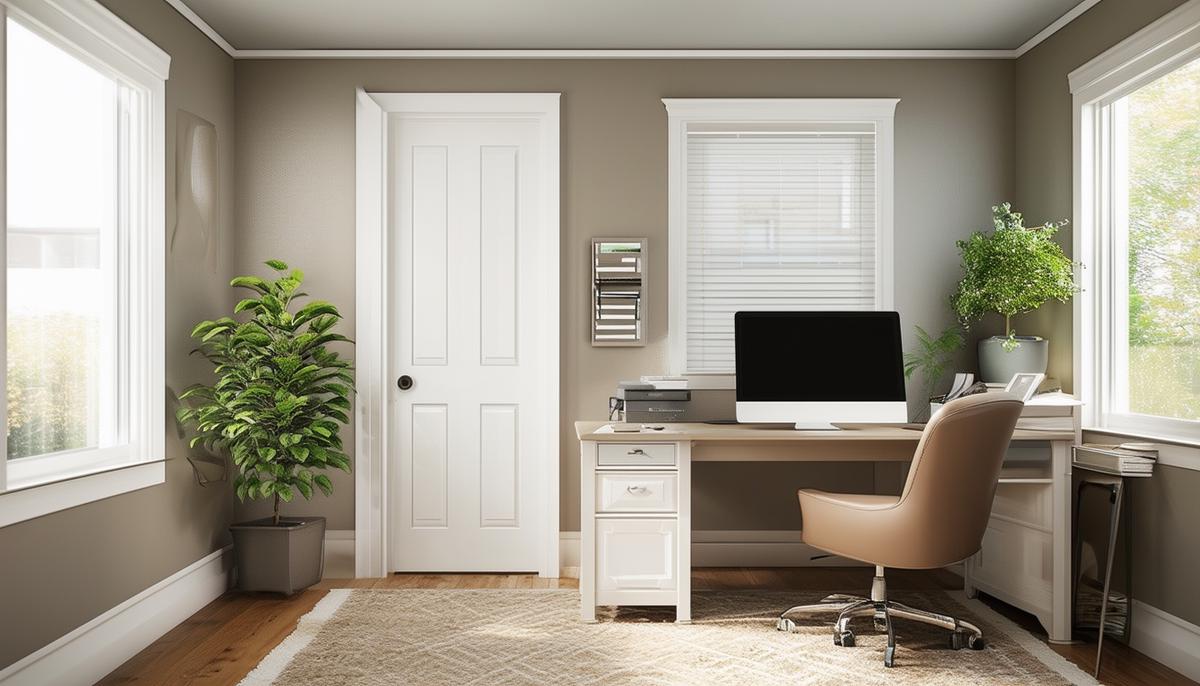
Opt for a room with a door you can close to keep distractions at bay. Consider the room's layout and natural light. Position your desk so you can see out, but without glare on your computer screen. Natural light can energize you better than harsh overhead lighting.
When space is limited, a functional nook can suffice. A spare closet can be transformed into a compact office with shelves for storage and a small desk. Try to place your office area away from high-traffic zones to minimize distractions.
Tips for an Effective Home Office Space:
- Keep your workspace clutter-free to boost productivity
- Use organizers, shelves, and storage solutions to maintain order
- Ensure enough room for all work essentials, including a proper chair
- Consider standing options if you prefer to alternate
Personalize your space with items you love to create a welcoming atmosphere. Photos, plants, or artwork can make work feel less like a chore. Whether you're setting up in a dedicated room or carving out a corner in an apartment, choosing the right spot is the first step in creating a productive home office.
Plan for Ergonomics
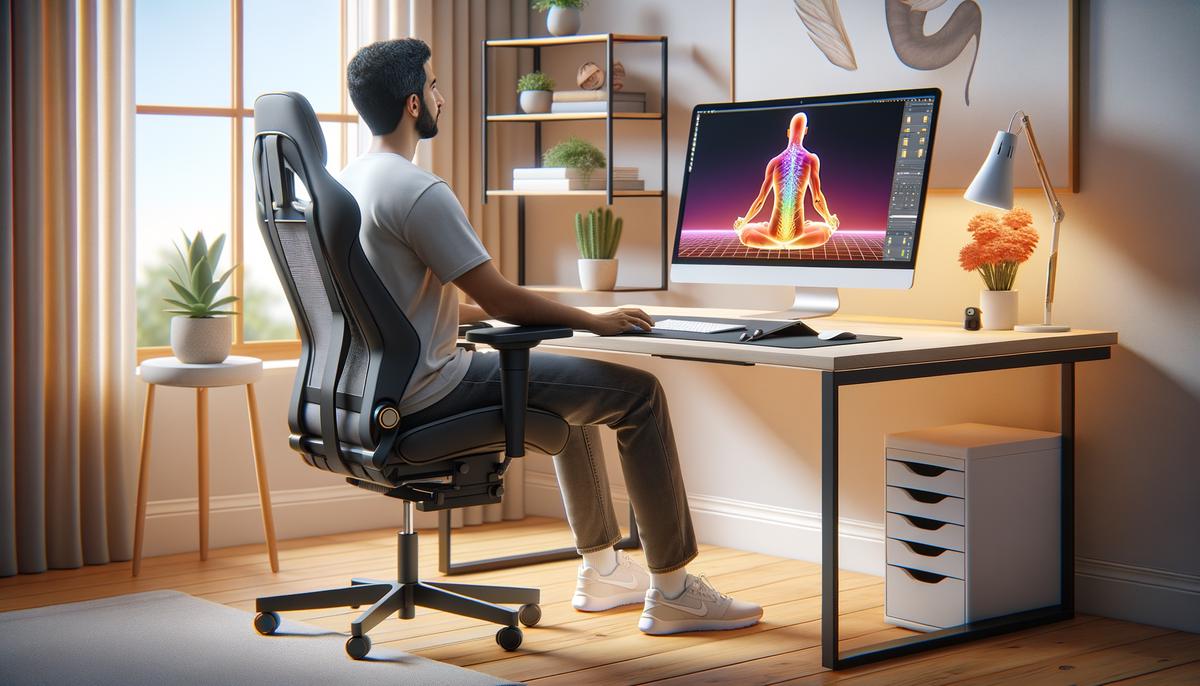
Proper ergonomics are essential for a comfortable and productive work environment. Position your computer monitor at eye level to avoid neck strain. Your keyboard and mouse should be placed so that your shoulders remain relaxed and your elbows form a 90-degree angle.
Invest in an ergonomic chair with adjustable height, lumbar support, and a comfortable seat cushion. If you prefer standing while working, consider a standing desk or a desk converter. An anti-fatigue mat can ease the pressure on your feet and legs when standing.
"Ergonomics is the science of designing the workplace, keeping in mind the capabilities and limitations of the worker. Poor workstation design, awkward posture, and repetitive motions can lead to fatigue, discomfort, and injury."1
Don't overlook accessories like footrests or wrist supports. A footrest can help maintain proper posture, particularly for shorter individuals. Wrist supports can cushion the impact and prevent repetitive strain injuries.
Periodically review your setup. Our bodies and needs can change over time, so regularly check that your ergonomics support your daily activities. Simple adjustments can make a big difference in how you feel by the end of the day.
By focusing on ergonomics, you're investing in your health, comfort, and productivity, transforming your home office into a place where you can work efficiently and comfortably.
Set Up Your Lighting and Decor
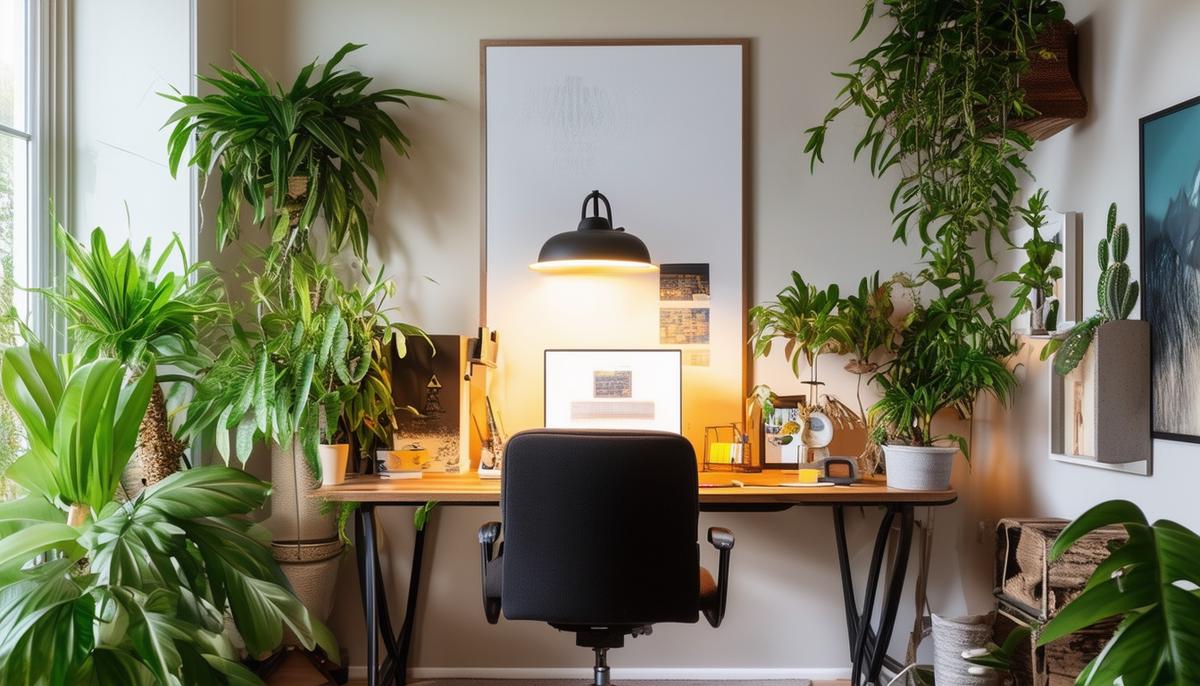
Lighting and decor play significant roles in creating an inviting and productive workspace. Position your desk near a window to take advantage of natural light, but be mindful of glare. Supplement with high-quality lamps for dimly lit spaces or late hours. Desk lamps with adjustable brightness can cater to different tasks and times of day, reducing eye strain.
Benefits of Plants in Your Home Office:
- Purify the air
- Enhance productivity
- Reduce stress levels
- Improve overall well-being
Adding houseplants like succulents, peace lilies, or snake plants can provide these benefits. Consider using RGB lighting to customize the ambiance of your workspace, allowing you to change colors based on your mood or the type of work you're doing.
Choose artwork that inspires you—whether it's motivational quotes, landscapes, or abstract prints. Wall clocks can be both functional and stylish, keeping you on schedule without the distraction of checking your phone.
With the right balance of lighting and thoughtful decor, you can transform your home office into a space where creativity flows and productivity thrives. Embrace these elements to craft a workspace that you're proud of and eager to spend time in, blending both form and function.
Complete and Preserve Your Workspace
Equip your home office with the necessary tools and gear for daily tasks. Choose between a powerful desktop or a portable laptop based on your specific needs. Invest in ergonomic accessories like a quality keyboard and mouse to reduce strain. Consider a dual monitor setup if your work involves extensive multitasking.
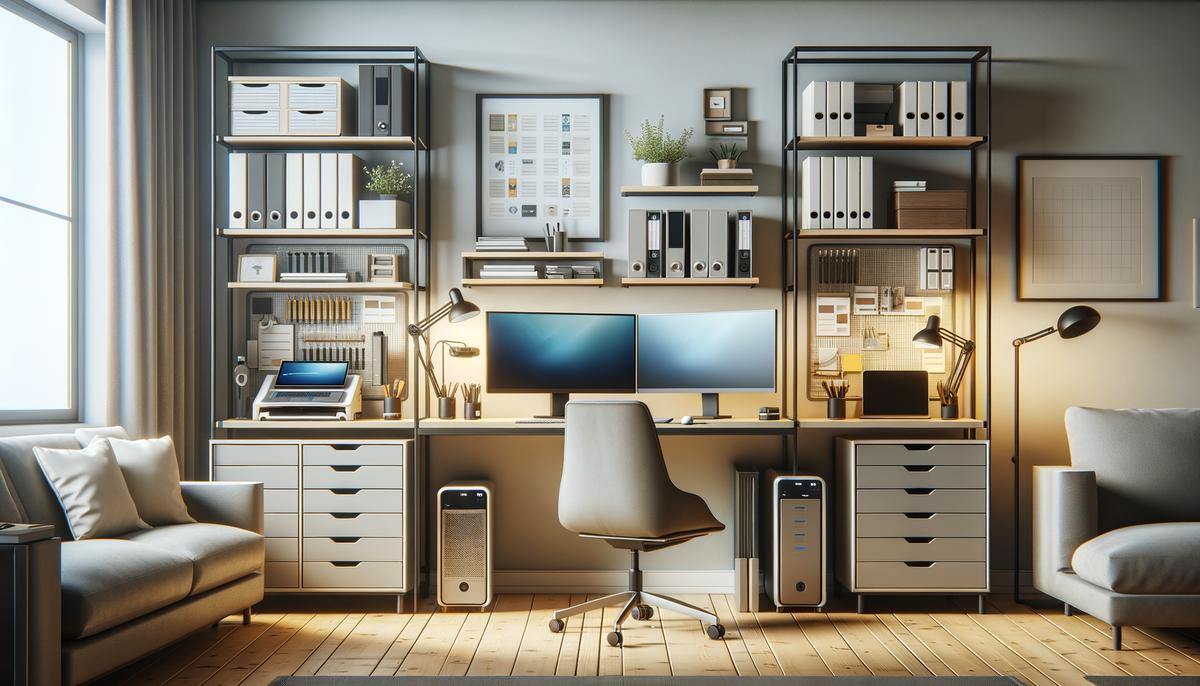
Efficient document management systems are key to a clutter-free desk. A good scanner can digitize your paperwork quickly, reducing physical clutter. Pair this with cloud storage solutions to organize and back up your files digitally.
Organizational Essentials:
| Item | Purpose |
|---|---|
| Shelves | Vertical storage for books and supplies |
| Filing cabinets | Organized storage for important documents |
| Desk organizers | Keep small items tidy and accessible |
| Cable management solutions | Prevent cord clutter |
| Drawer organizers | Sort small items effectively |
Routine maintenance is essential for preserving your workspace's functionality long-term. Regularly declutter your desk, update your software, and clean your equipment. Scheduled tasks like monthly deep cleans and quarterly equipment checks can ensure your home office remains efficient.
By staying mindful of these practices, you create a work environment that is not only efficient but also sustainable, fostering a sense of professionalism and readiness to tackle your tasks with confidence every day.
By focusing on location, ergonomics, lighting, decor, and organization, you can transform your home office into a place where productivity thrives and work feels more enjoyable.
- Occupational Safety and Health Administration. Computer Workstations eTool. United States Department of Labor. 2021.